Here we will look at deleting objects. It’s so simple that I can’t even think of a task 😢
Deleting objects is the letter D in the word CRUD. It’s the simplest operation. In principle, there are 100,500 ways to implement it. But the easiest way is to create a separate controller that will be responsible for deletion and send a post request to it via a form.
Just so you don’t delete anything you don’t want to, create new objects specifically for deletion. I made three of them:
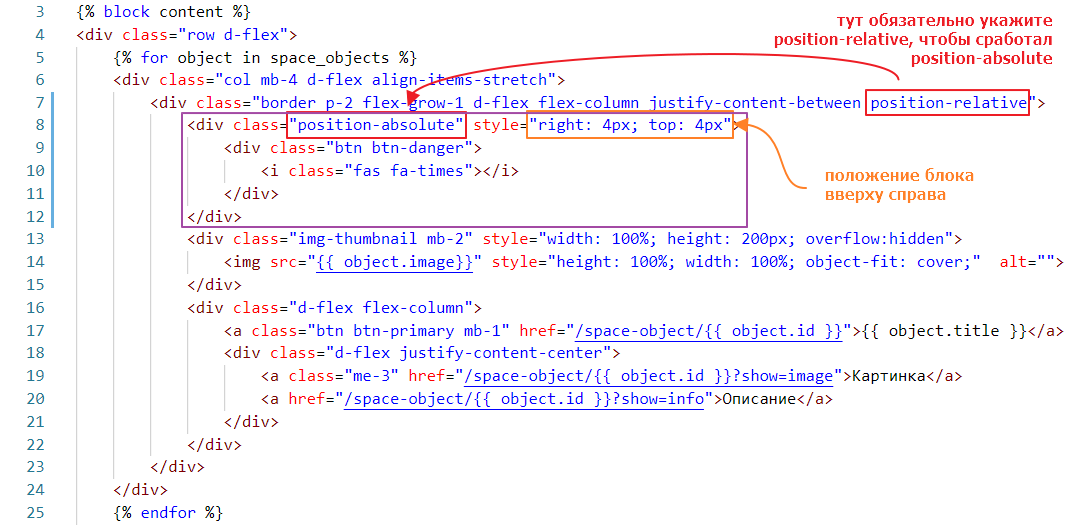
And let’s add a button for deletion.
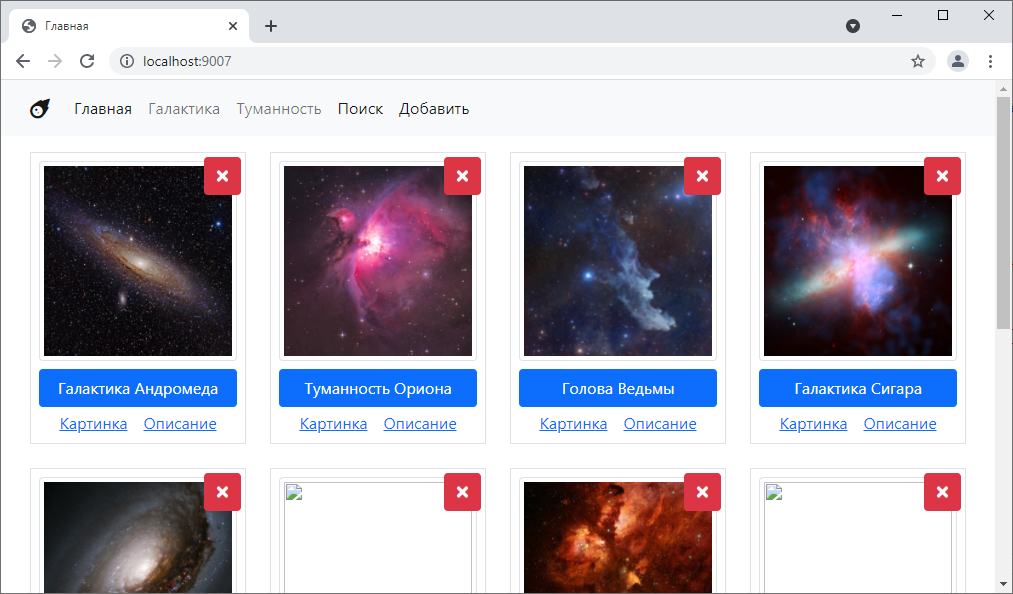
It will look like this:
Since it makes sense to delete by ID, because it is unique, there are two ways to pass this ID
Method #1
In any case, we create a controller for deletion:
<?php

// for once, we inherit not from TwigBaseController but from BaseController
class SpaceObjectDeleteController extends BaseController {
    public function post(array $context)
    {
        $id = $_POST["id"]; // took the id

        $sql =<<<EOL
DELETE FROM space_objects WHERE id = :id
EOL; // formed the query

        // executed
        $query = $this->pdo->prepare($sql);
        $query->bindValue(":id", $id);
        $query->execute();
    }
}
Let’s connect it to index.php
$router->add("/space-object/delete", SpaceObjectDeleteController::class);
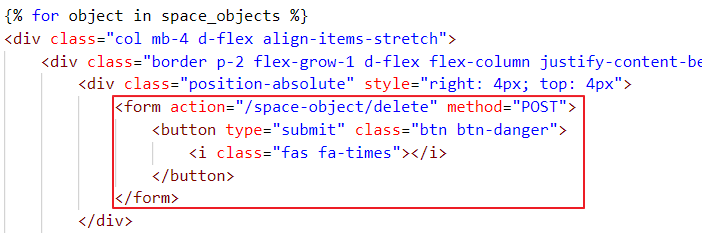
Now let’s link it to the button.
Let’s try clicking it:
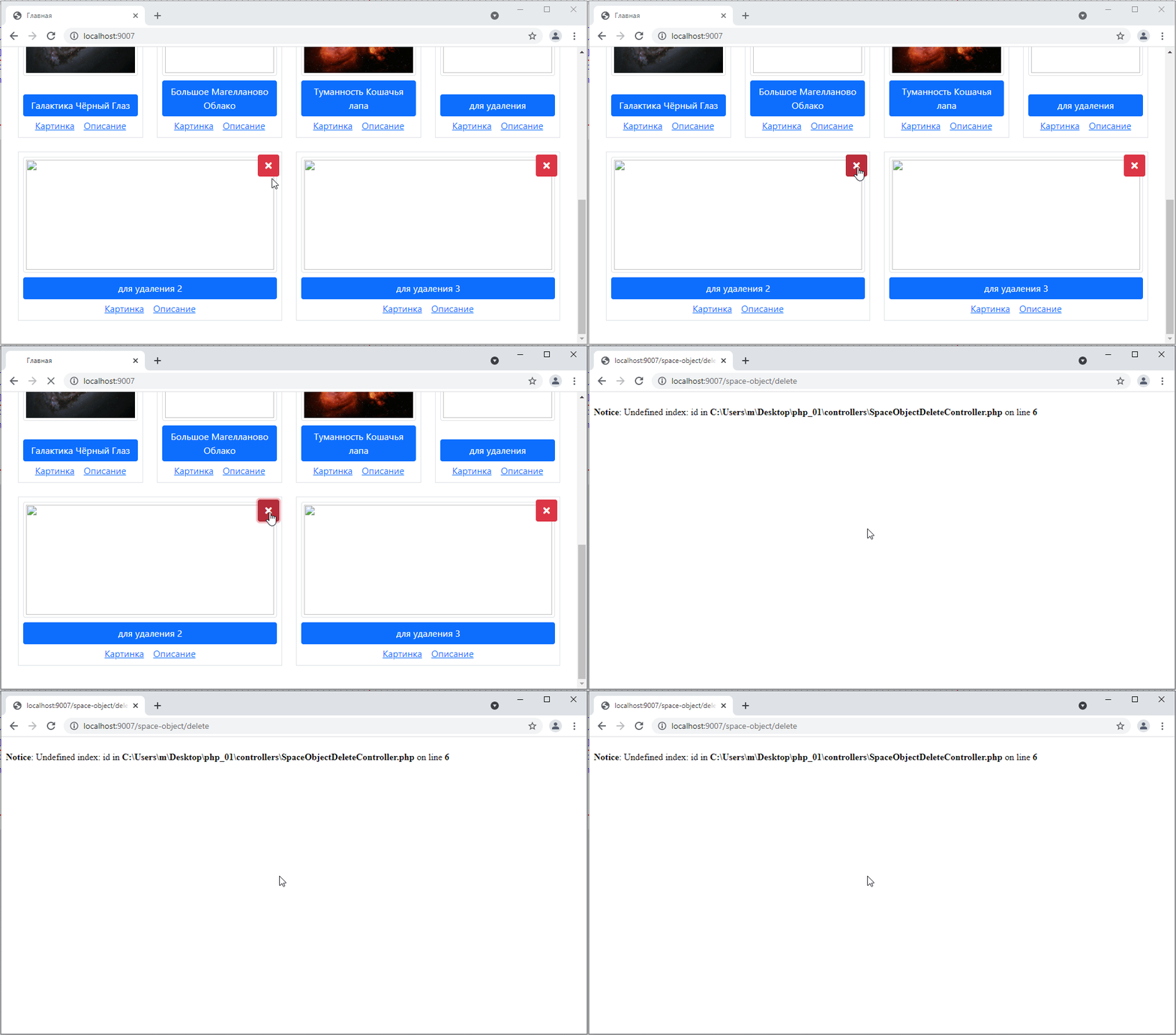
Error! Why? Because we are requesting the id like this $id = $_POST["id"]; but we are not passing it from the form.
To pass it, we need to add an input. Let’s add it:
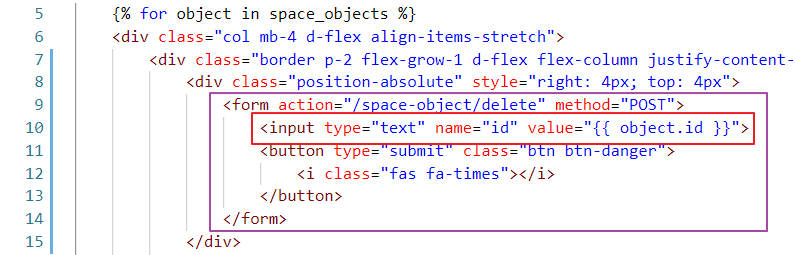
Here, by the way, is an interesting point: we can immediately specify a default value in the input in the value attribute. So, in our case, we specify object.id. Let’s see how it looks.
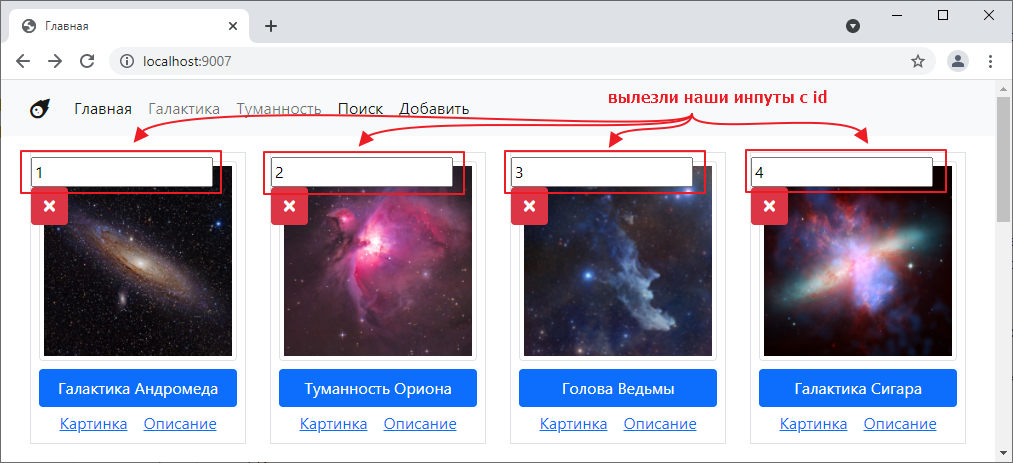
So, on the one hand, we have solved the problem of the missing field, but on the other hand, why are they being displayed?
Fortunately, there is a way to hide these fields. To do this, we need to specify hidden in the type attribute of the inputs, like this:

Then we will formally have a field on the form. But it will not be visible:
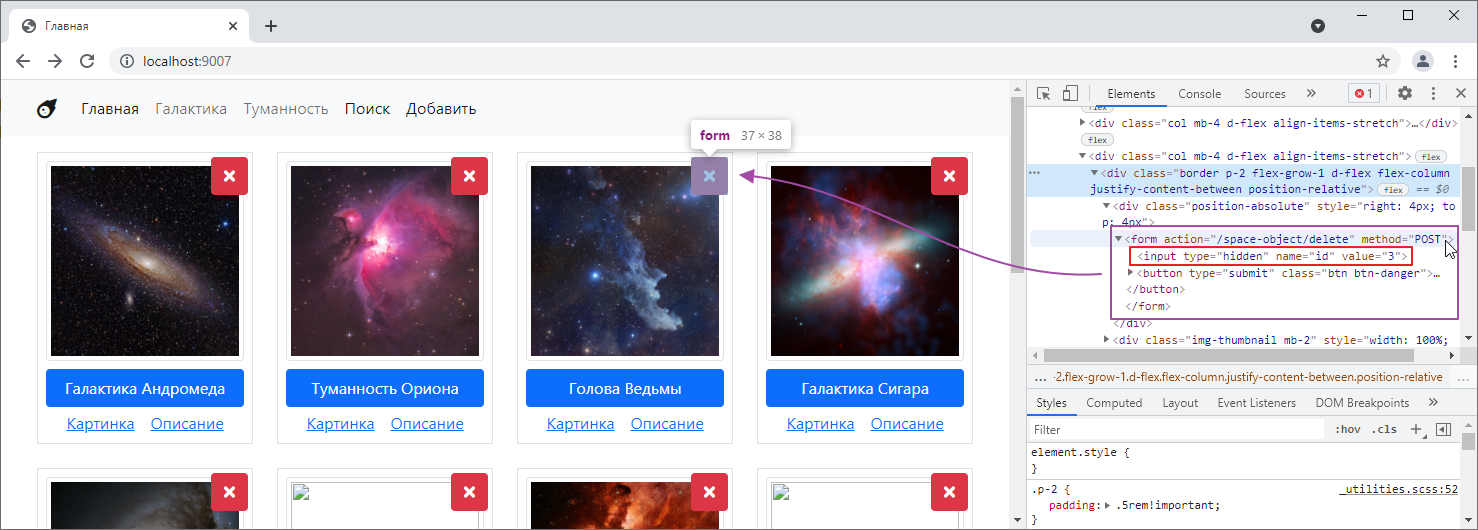
Let’s try clicking on it:
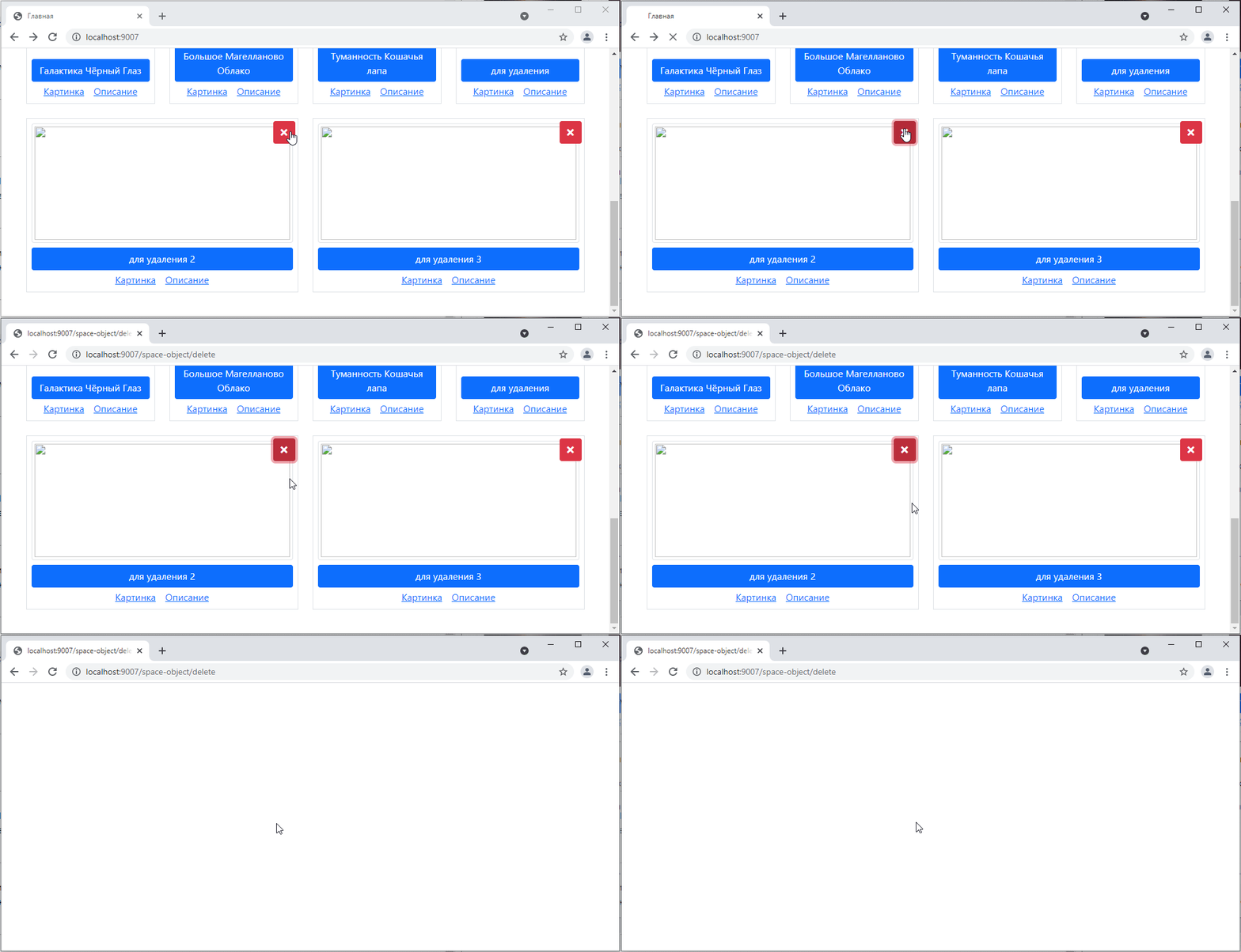
Well, we were redirected to a blank page… but if we go back to the main page, the object will indeed disappear:
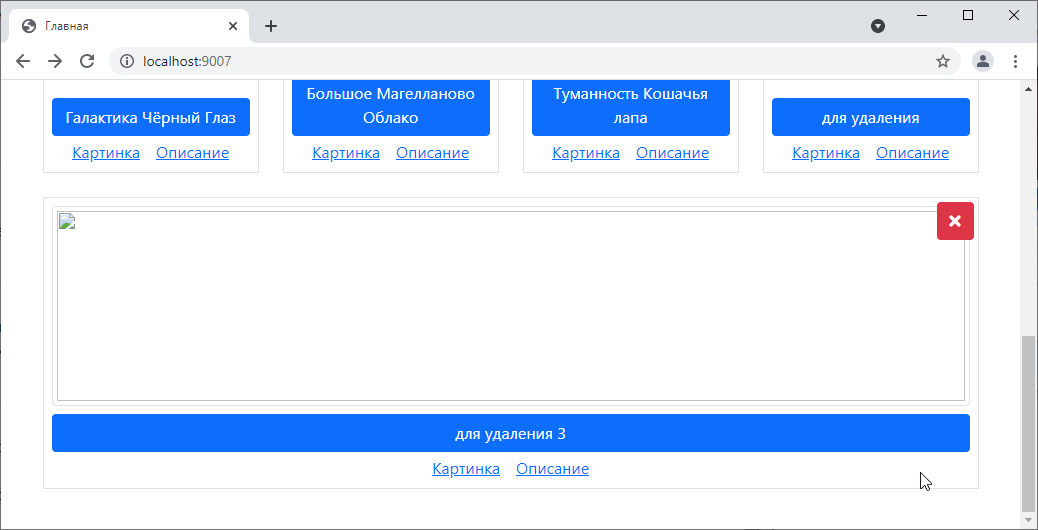
But of course, sending the user to a blank page is not ideal, which is why there is such a thing as a redirect.
This is when, instead of returning a text response, the controller sends a request to the browser to go to another page on the site. The browser reads it and automatically makes a GET request to the address specified in the redirect.
This is done as follows:
class SpaceObjectDeleteController extends BaseController {
    public function post(array $context)
    {
        // ...

        $query->execute();

        // set the Location header to the new path; I want to go to the home page, so I write /
        header("Location: /");
        exit; // after  header("Location: ...") you need to write exit
    }
Let’s try it:
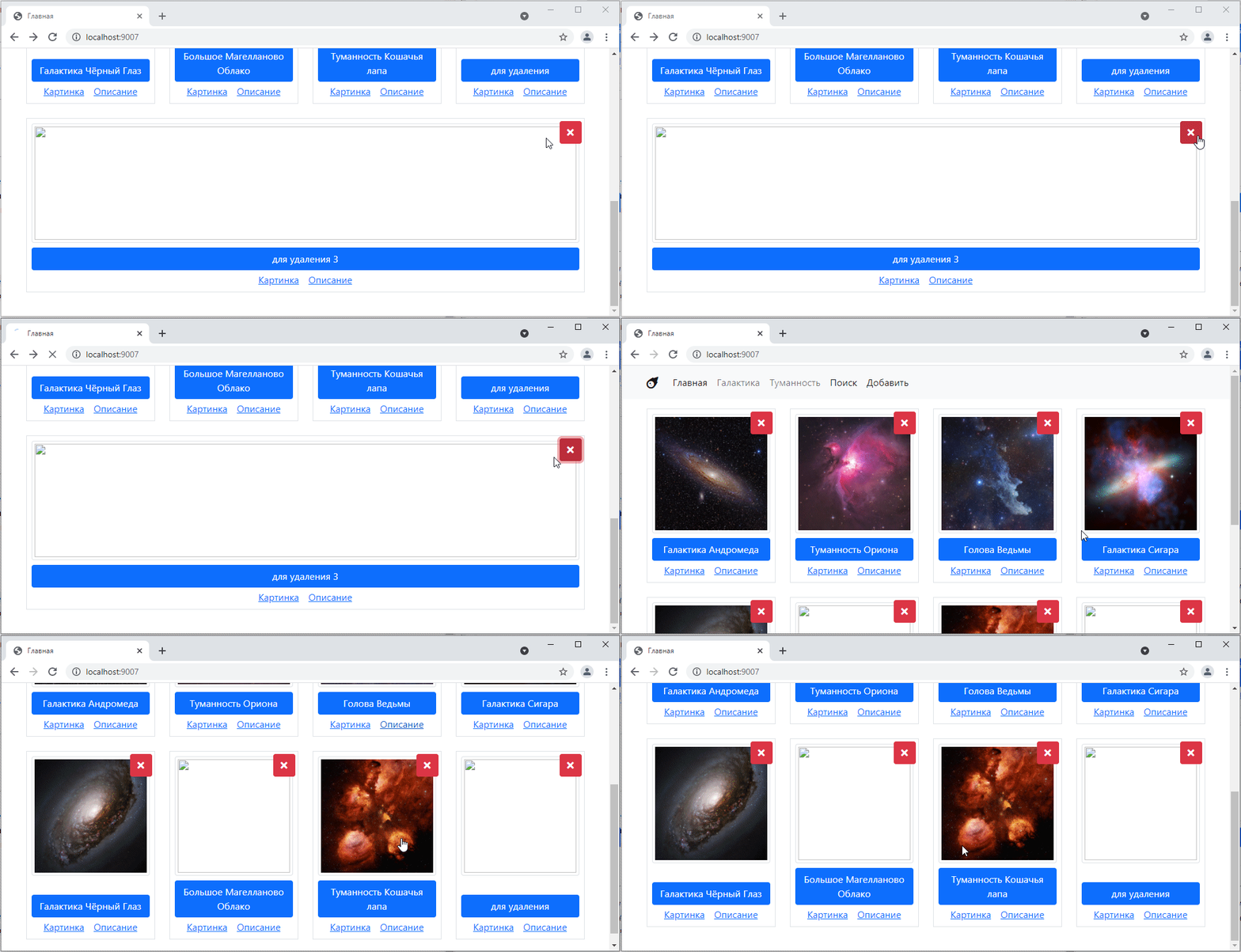
Beautiful! =)
Method #2
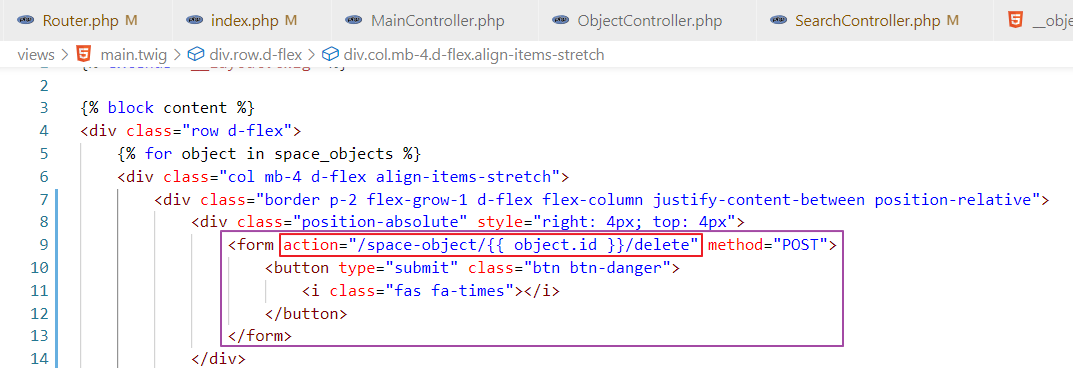
The second method is slightly more modern. Instead of using input under id, you pass the id to the form action.
That is, we create a new route in the router:
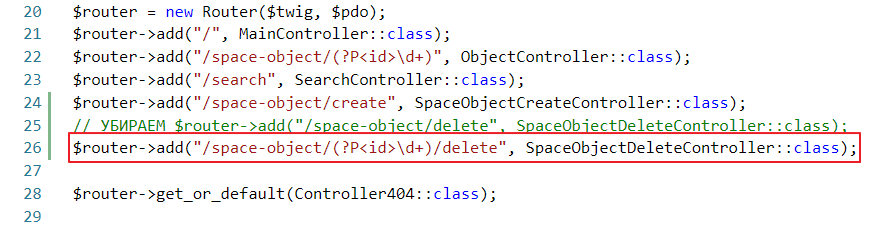
In the controller, instead of $_POST, we use $this->params
<?php

class SpaceObjectDeleteController extends BaseController {
    public function post(array $context)
    {
        $id = $this->params["id"]; // replaced $_POST

        // ...
        exit;
    }
And on the form, we leave only the button and the corrected action:
Let’s try it:
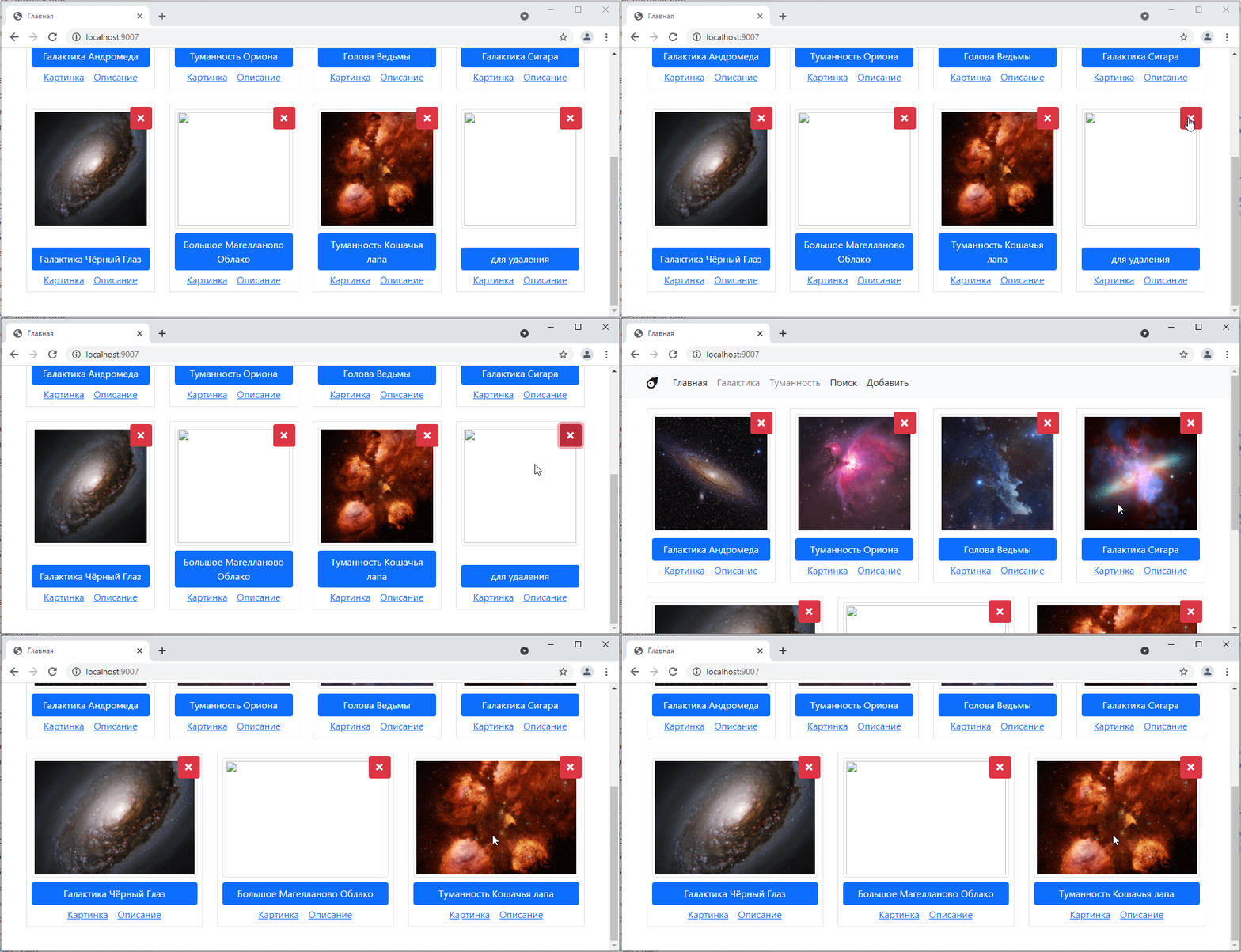
It works the same way =)