Refine your application by implementing controllers for all pages.
As I mentioned earlier, virtually all modern web applications are based on MVC architecture. At this point, we have only more or less identified the V component, which stands for View, or template, if that is easier to understand.
If you wrote code similar to mine, you should have ended up with a two-level structure in the router
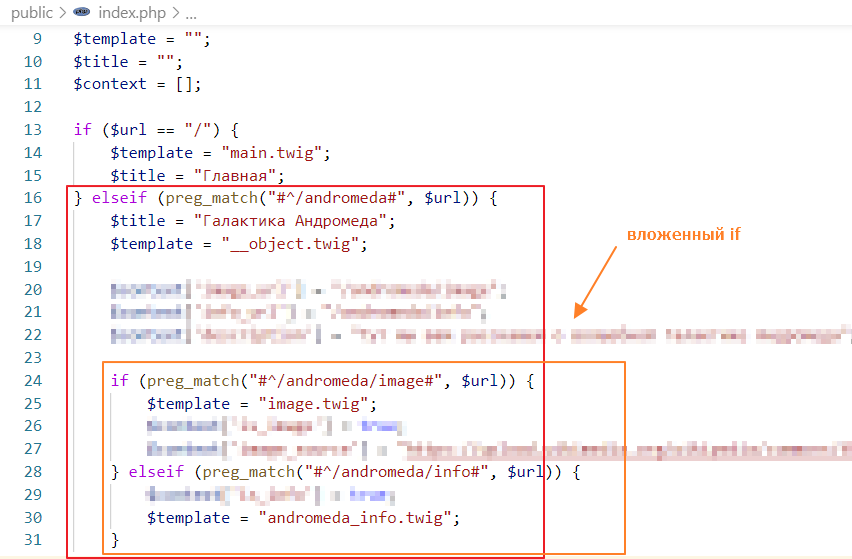
Alternatively, you could have done without nested if statements, but then you would have had to duplicate the code responsible for the galaxy name, general object description, and image
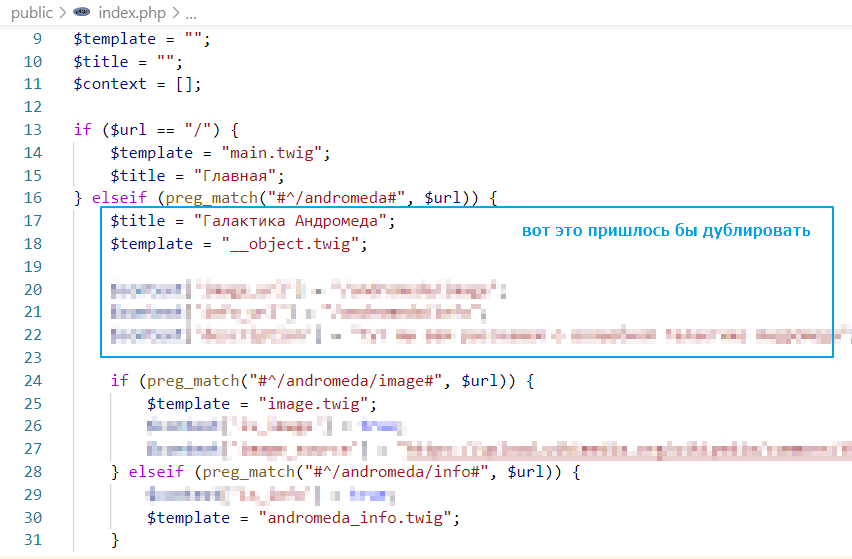
In general, both approaches are equally bad. They are inconvenient to read and unpleasant to write.
We will take the best of these two approaches. The flat structure from the second and the hierarchy from the first. To do this, we will use the ability to create classes in PHP.
Classes will allow us to remove code from if statements and build an inheritance hierarchy. For example, the general page for Andromeda has the name “Andromeda Galaxy,” and the page with the image has the same name, but it also displays information about the image.
Creating controllers
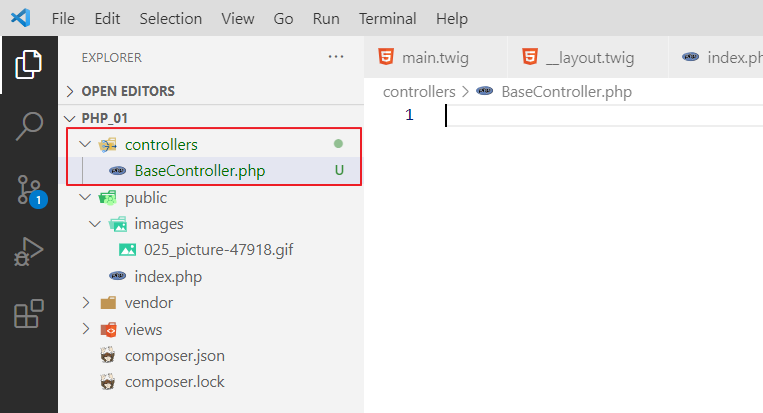
So, let’s create a controllers folder and a BaseController file in it.
Let’s write the following code in it
<?php
// abstract class so that no instance can be created
abstract class BaseController {
    // since everything revolves around data, let's create a function
    // that will return the context with data
    public function getContext(): array {
        return []; // empty context by default
    }

    // the get function will call the rendering directly
    // since it is not necessary to render twig templates, but you can, for example, render any json
    // so we will make the method abstract, so that whoever inherits BaseController
    // must override this method
    abstract public function get();
}
Let’s create another class and call it TwigBaseController
<?php
require_once "BaseController.php"; // we must import BaseController

class TwigBaseController extends BaseController {
    public $title = ""; // page title
    public $template = ""; // page template
    protected \Twig\Environment $twig; // reference to the twig instance for rendering

    // now we write the constructor,
    // passing one parameter to it
    // actually a reference to the twig instance
    // this is called Dependency Injection, by the way
    // this is better than creating a global $twig object
    // and faster than creating a personal $twig handler for each class
    public function __construct($twig)
    {
        $this->twig = $twig; // pass it inside
    }

    // we override the context function
    public function getContext() : array
    {
        $context = parent::getContext(); // we call the parent method
        $context["title"] = $this->title; // we add title to the context

        return $context;
}

// get function, renders the result using $template as a template
// and calls the getContext function to form the context dictionary
public function get() {
    echo $this->twig->render($this->template, $this->getContext());
}
}
And you might be wondering, why so much code, abstractions, and all that?
Well, now we’re going to use these base classes to create controllers for all our types, and the code in the router will be way shorter, and it’ll be way easier to read and maintain.
Add a controller for the main page
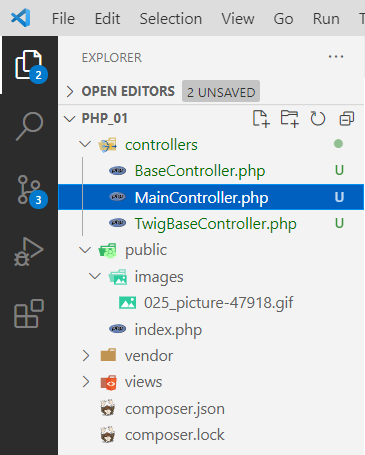
Create a MainController controller for the main page.
And write in it… well, we’re not writing much at all =O.
<?php
require_once "TwigBaseController.php"; // import TwigBaseController

class MainController extends TwigBaseController {
    public $template = "main.twig";
    public $title = "Home";
}
Next, we go and make changes in the router:
<?php
require_once "../vendor/autoload.php";
require_once "../controllers/MainController.php"; // add a link to our controller at the very top

// ...

$context = [];

$controller = null; // create a variable for the controller

if ($url == "/") {
    $controller = new MainController($twig); // create a controller instance for the main page
} elseif (preg_match("#^/andromeda#", $url)) {
    // leave it alone for now ...
} elseif (preg_match("#^/orion#", $url)) {
    // and this too...
}

/* REMOVE
$context["title"] = $title;

echo $twig->render($template, $context);
*/

// check if the controller is not empty, then render the page
if ($controller) {
    $controller->get();
}
Testing:
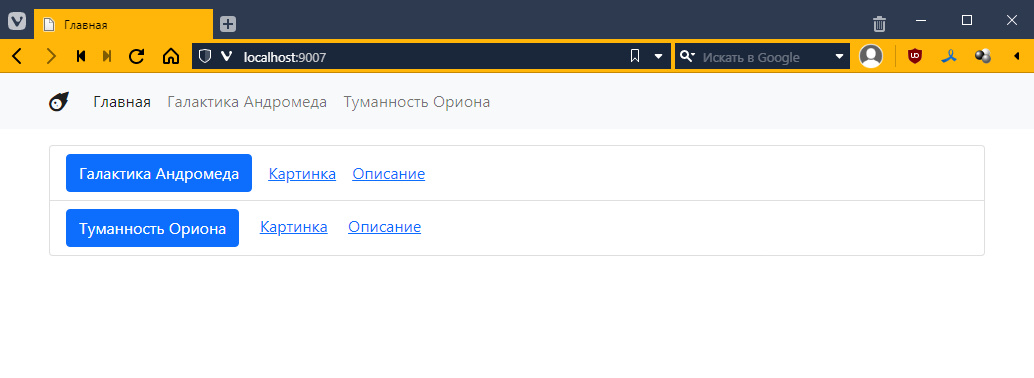
It works the same way, but in the router itself, that is, inside the if statement there is only one line — creating an instance of the controller. Which can be considered a kind of achievement!
But a meager one, since there wasn’t much there before…
Adding the Andromeda page controller
Now let’s try to create an AndromedaController controller to display information about Andromeda.
We do this in the same way, essentially copying and pasting what was in the router.
That is, we specified the title, specified the template, and specified the page-specific keys/values in getContext().
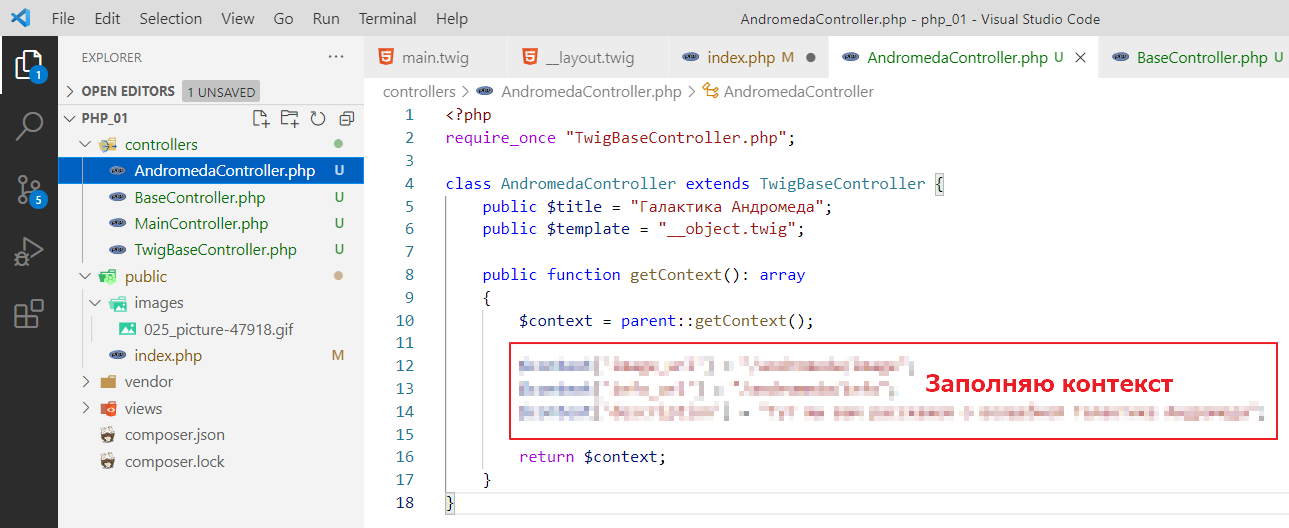
Now let’s go back to index.php and write there:
<?php
require_once "../vendor/autoload.php";
require_once "../controllers/MainController.php";
require_once "../controllers/AndromedaController.php"; // don't forget to add import

// ...

$controller = null;

if ($url == "/") {
    $controller = new MainController($twig);
} elseif (preg_match("#^/andromeda#", $url)) {

    $controller = new AndromedaController($twig); // here we just create a controller

    // don't touch image and info yet
    if (preg_match("#^/andromeda/image#", $url)) {
        // ...
    } elseif (preg_match("#^/andromeda/info#", $url)) {
        // ...
    }
} elseif (preg_match("#^/orion#", $url)) {
    // ...
}

// ...
Let’s check:
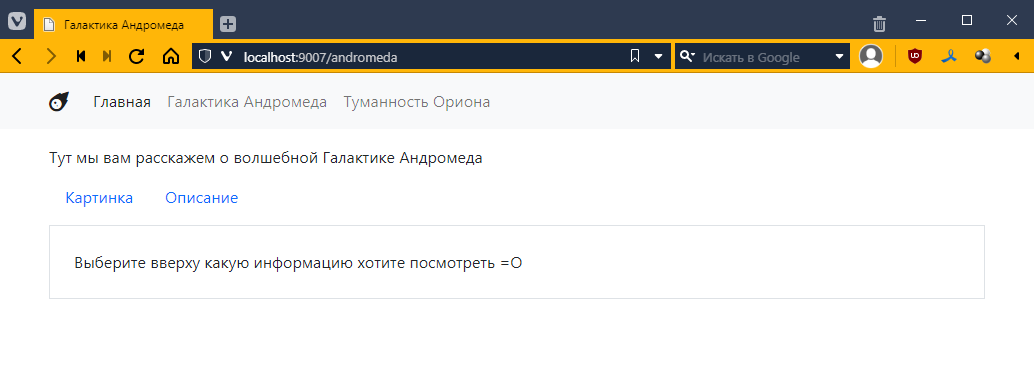
It works the same way! =O
Adding the Andromeda image page controller
Now comes the most interesting part. We have an Andromeda page template with an image, which is essentially a basic page with Andromeda, plus additional properties.
So, within twig, we already have a two-level hierarchy. Now we create the same hierarchy at the controller level, that is, we create a controller that inherits not from TwigBaseController, but from AndromedaController. Like this:
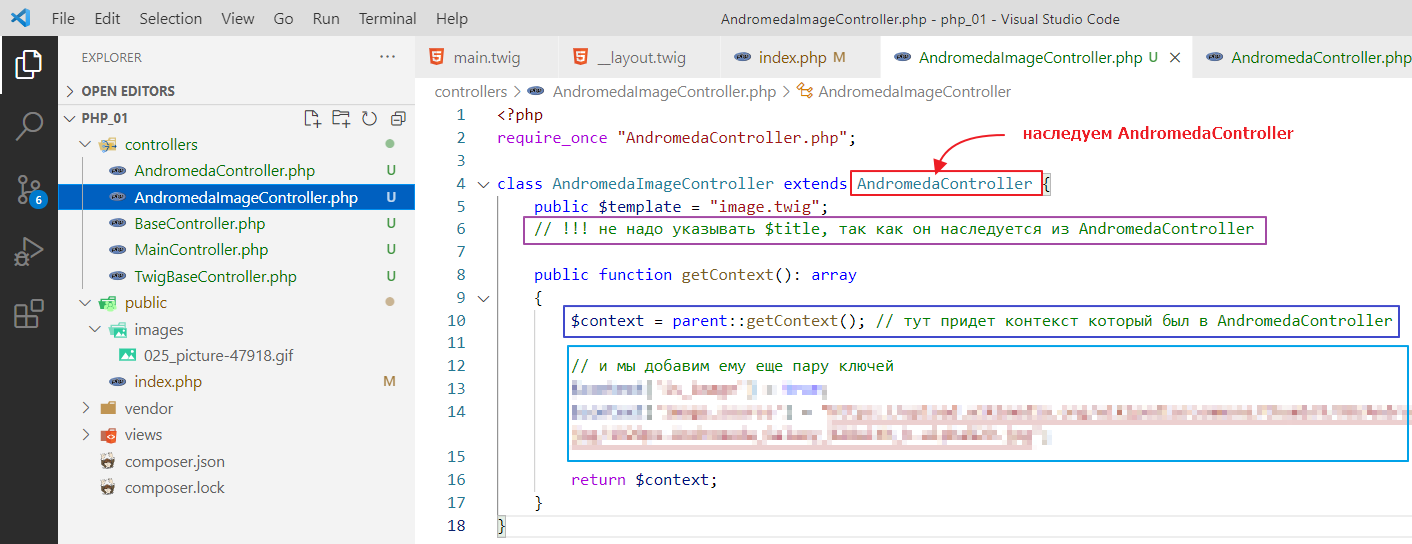
Let’s edit index.php again
<?php
require_once "../vendor/autoload.php";
require_once "../controllers/MainController.php";
require_once "../controllers/AndromedaController.php";
require_once "../controllers/AndromedaImageController.php"; // added

// ...

$controller = null;

if ($url == "/") {
    $controller = new MainController($twig);
} elseif (preg_match("#^/andromeda#", $url)) {

    $controller = new AndromedaController($twig);

    if (preg_match("#^/andromeda/image#", $url)) {
        $controller = new AndromedaImageController($twig); // now AndromedaImageController here
    } elseif (preg_match("#^/andromeda/info#", $url)) {
        // ...
    }
} elseif (preg_match("#^/orion#", $url)) {
    // ...
}

// ...
Testing:
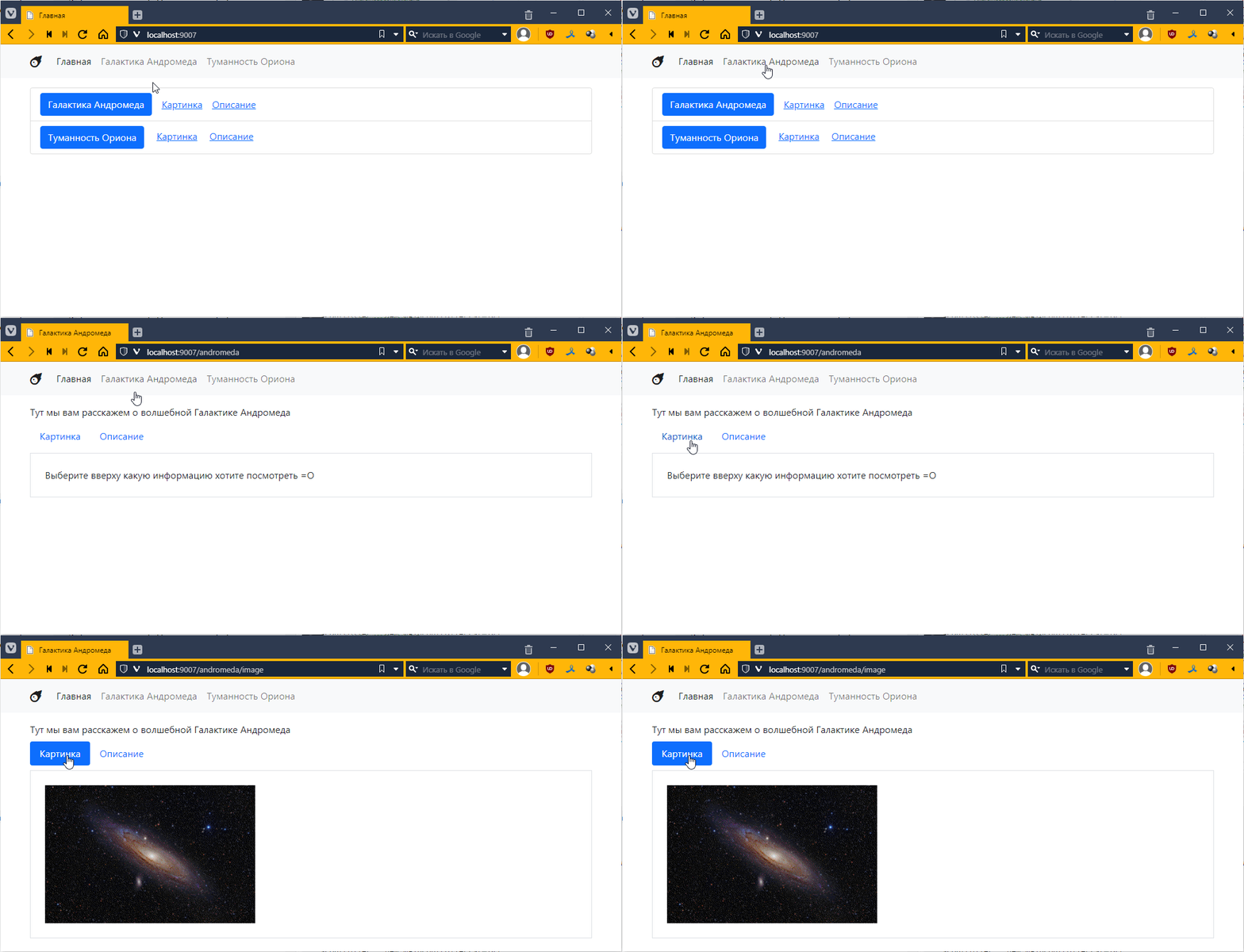
It works! =)
Add a controller for the Andromeda information page.
Similarly, create AndromedaInfoController.
<?php
require_once "AndromedaController.php";

class AndromedaInfoController extends AndromedaController {
    public $template = "andromeda_info.twig";

    public function getContext(): array
    {
        $context = parent::getContext();

        // ...

        return $context;
    }
}
and connect it in index.php:
<?php
require_once "../vendor/autoload.php";
require_once "../ controllers/MainController.php";
require_once "../controllers/AndromedaController.php";
require_once "../controllers/AndromedaImageController.php";
require_once "../controllers/AndromedaInfoController.php"; // added

// ...

$controller = null;

if ($url == "/") {
    $controller = new MainController($twig);
} elseif (preg_match("#^/andromeda#", $url)) {
    $controller = new AndromedaController($twig);
    if (preg_match("#^/andromeda/image#", $url)) {
        $controller = new AndromedaImageController($twig);
    } elseif (preg_match("#^/andromeda/info#", $url)) {
        $controller = new AndromedaInfoController($twig); // now only AndromedaInfoController here too
    }
} elseif (preg_match("#^/orion#", $url)) {
   // ...
}

// ...
And now, if you look, we no longer need the nested if for Andromeda!
And we can make the router structure flat, at least for Andromeda, like this:
if ($url == "/") {
    $controller = new MainController($twig);
} elseif (preg_match("#^/andromeda/image#", $url)) {
    $controller = new AndromedaImageController($twig);
} elseif (preg_match("#^/andromeda/info#", $url)) {
    $controller = new AndromedaInfoController($twig);
} elseif (preg_match("#^/andromeda#", $url)) {
    $controller = new AndromedaController($twig);
} elseif (preg_match("#^/orion#", $url)) {
    // ...
}
Just note that I changed the order of checking for matches with the URL so that more specific templates (with image or info) come before more general ones (like #^/andromeda#).
Well, I think you can do the second object yourself. But before you start,
Create a 404 page
Let’s also create a 404 page, which is a page that appears when a link to a page does not exist (in our case, for example, if the controller is not defined).
Let’s create a controller and name it Controller404.php and write some simple code in it:
<?php
require_once "TwigBaseController.php";

class Controller404 extends TwigBaseController {
    public $template = "404.twig";
    public $title = "Page not found";
}
I wrote the template 404.twig there. Let’s create it in the views folder:
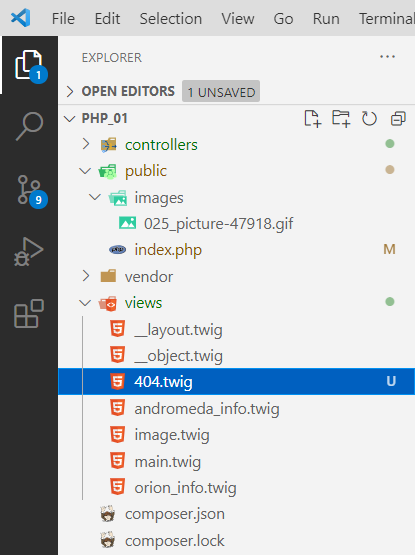
and put something like this in it
{% extends "__layout.twig" %}

{% block content %}

<div class="text-center">
    <img src="/images/025_picture-47918.gif" alt="">
    <div>
        Page not found! What to do!!!111 =O
    </div>
</div>

{% endblock %}
Okay, let’s connect it in index.php
<?php
// ...
require_once "../controllers/AndromedaInfoController.php";
require_once "../controllers/Controller404.php"; // added

// ...
$context = [];

$controller = new Controller404($twig); // now 404 will be our default controller

if ($url == "/") {
// ...
Since I haven’t made controllers for Orion yet, in theory, when I click on the Orion page, I should call this controller. Let’s try it:
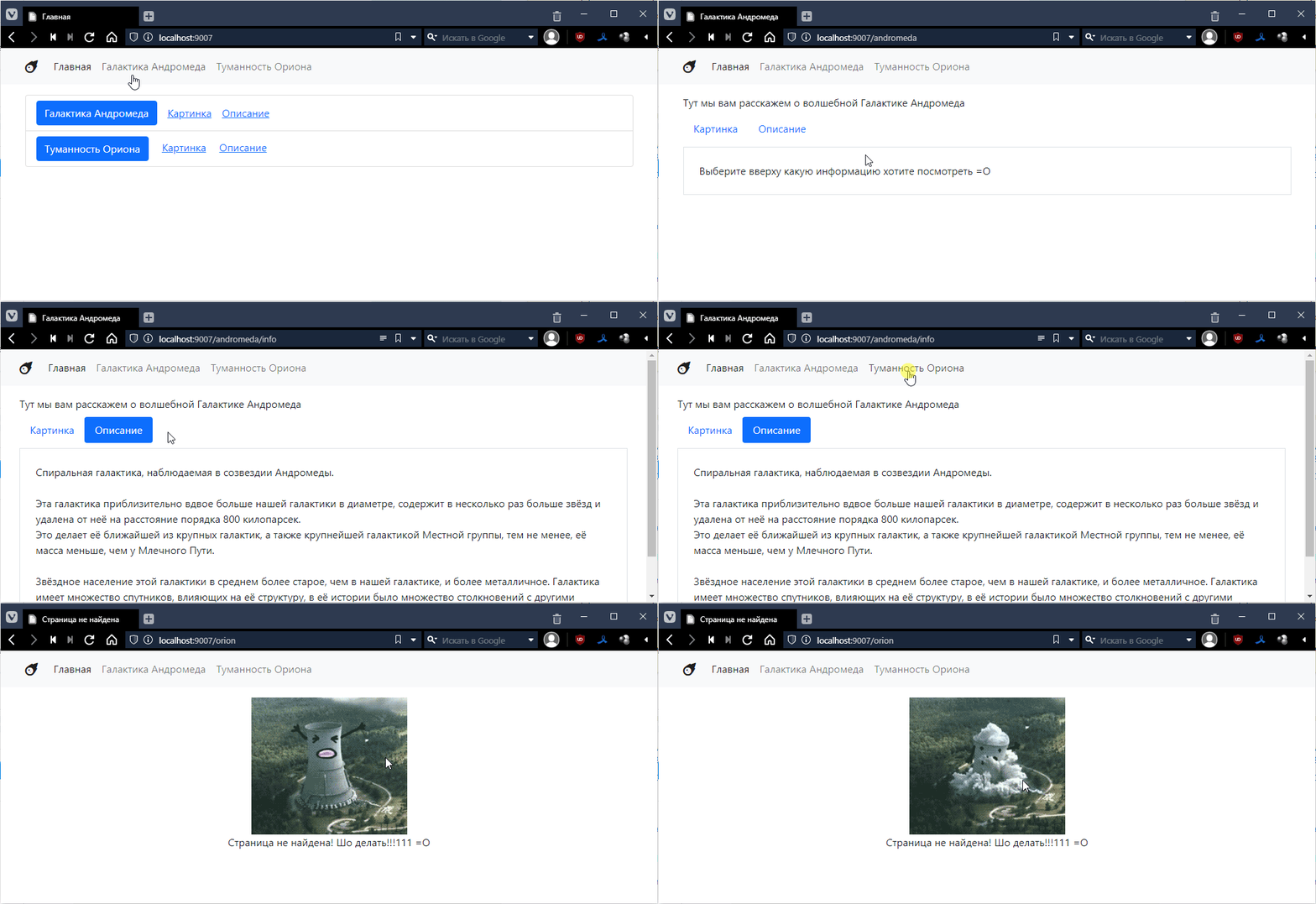
There’s one more thing: our 404 page isn’t quite real. Not because I didn’t write 404 on it, but because the response code that comes with this page is not 404, but 200.
You can view the response code as follows. Press F12 or Ctrl+Shift+I in your browser, find the Network tab, and find the very first request there:
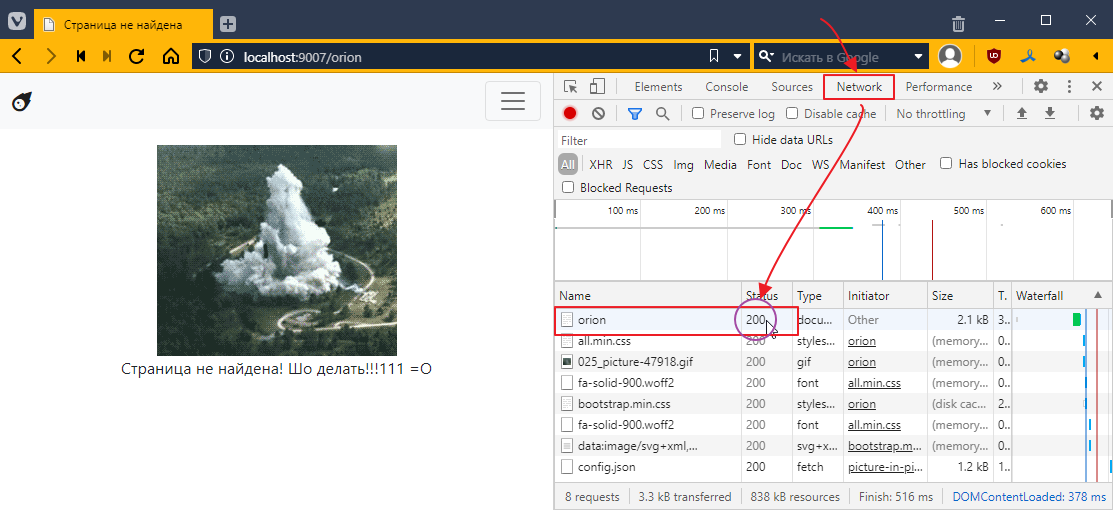
What you see in the Status column is the page return code. To make it a real 404, you need to add a call to the special http_response_code function to the controller:
<?php
require_once "TwigBaseController.php";

class Controller404 extends TwigBaseController {
    public $template = "404.twig";
    public $title = "Page not found";

    public function get()
    {
        http_response_code(404); // use http_response_code to set the return code to 404
        parent::get(); // call the base method get(), which will actually render the page
    }
}
Let’s run it again and look at the status column once more:
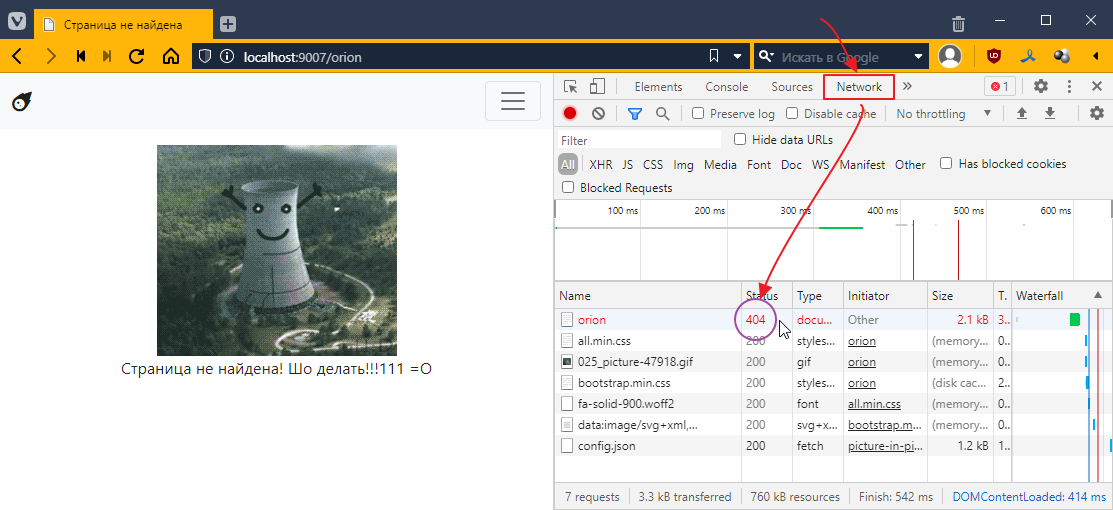
Now that’s a different story!)