So let’s dig a little deeper into our second project.
Adding an active class
Remember in the third task, we had to highlight the active item in the menu, and there we used <?= $is_image ? "active" : "" ?>.
Now let’s see how to do this in Twig. In principle, you can use a conditional operator.
For example, I want the “active” class to be added to the main page. This is done as follows:
<div>
    <a href="/" class="{% if title == "Home" %}active{% endif %}">Home</a>
    <a href="/mermaid">Mermaid</a>
    <a href="/uranus">Uranus</a>
</div>
It looks a little simpler than in pure PHP, but it’s still cumbersome.
Fortunately, in Twig, this construction can be written in a simplified form using a ternary operator, like this:
<div>
    <a href="/" class="{{ title == "Home" ? "active" : "" }}">Home</a>
    <a href="/mermaid">Mermaid</a>
    <a href="/uranus">Uranus</a>
</div>
Since this is a single-line operation, double curly brackets {{ ... }} are used here.
In fact, there is an even simpler form of notation, like this:
<div>
    <a href="/" class="{{ title == "Home" ? "active" }}">Home</a>
    <a href="/mermaid">Mermaid</a>
    <a href="/uranus">Uranus</a>
</div>
That is, if you put an empty string after the colon, you don’t have to write it out.
Currently, our navigation is done manually, i.e. we write each link directly in the markup. This is fine when there are few menu items, but it creates problems when there are many of them and each one needs to be styled in some way.
For this purpose, Twig has a built-in ability to create elements in a loop. That is, you have a list of menu items, and in the template, you simply go through this list and dynamically create elements. And even if you have 100 menu items, you only write the markup for one.
Let’s make a list for the menu in index.php, like this:
// ...
$title = "";
$template = "";

$context = [];
$menu = [ // added a list of dictionaries
    [
        "title" => "Home",
        "url" => "/",
    ],
    [
        "title" => "Mermaid",
        "url" => "/mermaid",
    ],
    [
        "title" => "Uranus",
        "url" => "/uranus",
    ]
];
// ...
Now let’s put this into context:
// ...
$context["title"] = $title;
$context["menu"] = $menu; // pass the menu to context

echo $twig->render($template, $context);
and update the __layout.twig template so that it creates a menu based on this list:
<body>
    <!-- REMOVE THIS
    <div>
        <a href="/">Home</a>
        <a href="/mermaid">Mermaid</a>
        <a href="/uranus">Uranus</a>
    </div>-->

    <div> <!-- add a loop for all menu items -->
        {% for item in menu %}
            <!--since item is a dictionary with two keys, use them to output the link -->
            <a href="{{item.url}}">{{item.title}}</a>
        {% endfor %}
    </div>

    {% block content %}
        empty
    {% endblock %}
</body>
Plus, you can check for an active element right here:
<div>
    {% for item in menu %}
        <a href="{{item.url}}" class="{{ title == item.title ? "active" }}">{{item.title}}</a>
    {% endfor %}
</div>
Let’s add some style to the active link to make it more visible:
<!DOCTYPE html>
<html lang="en">
<head>
     <!-- ... -->
    <style>
        /* added style */
        a.active {
            background-color: yellow;
        }
    </style>
</head>
<body>
    <div>
        {% for item in menu %}
            <a href="{{item.url}}" class="{{ title == item.title ? "active" }}">{{item.title}}</a>
        {% endfor %}
    </div>

    <!-- ... -->
</body>
</html>
and let’s test it:
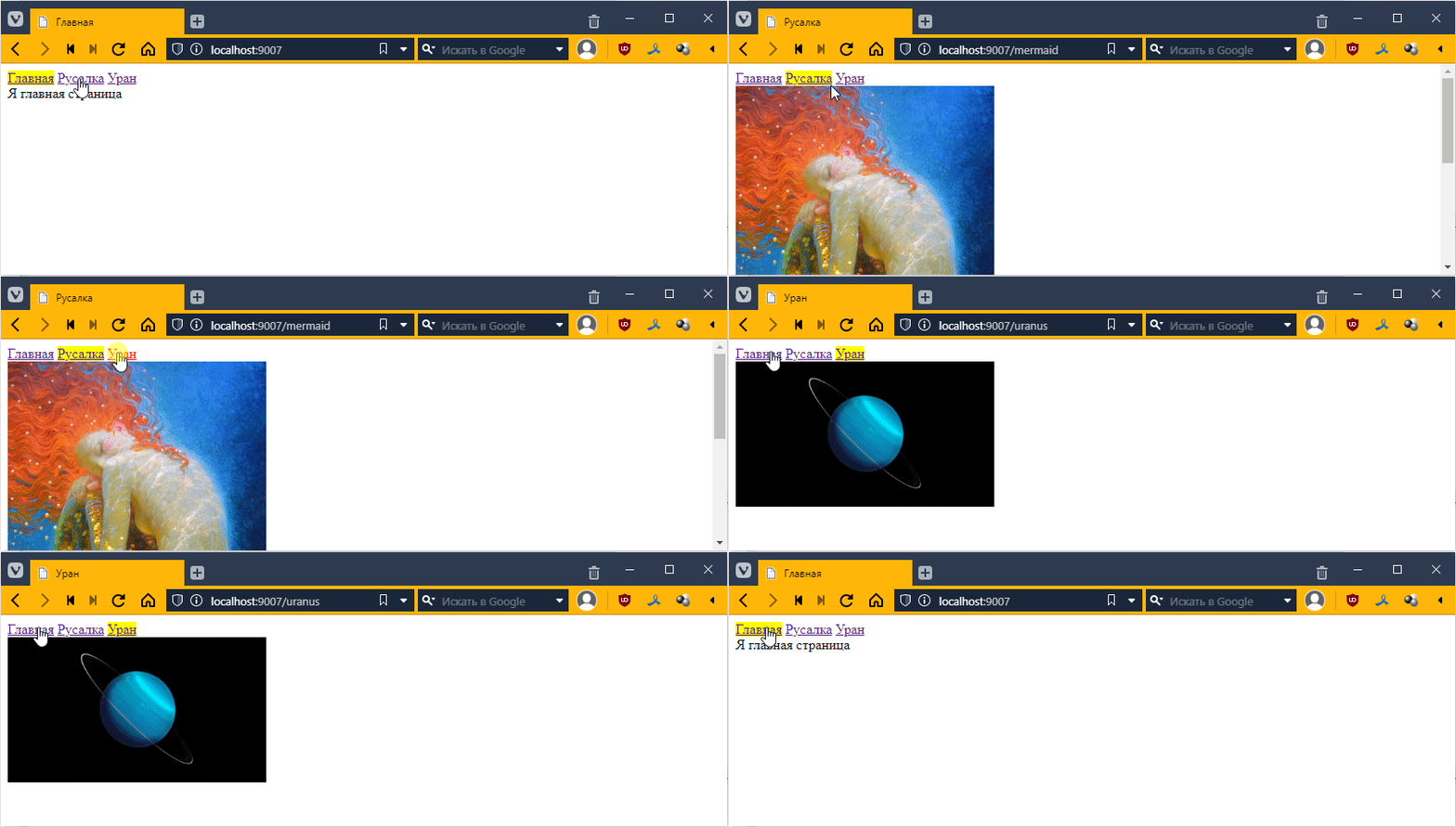
It works! =)
Multi-level template inheritance
According to the task, you have a main template and an object template that inherits from the main template. This object template must be inherited by templates that specify the display of the template object.
Let’s say I want some phrase that uses $title to be written for objects, something like this:
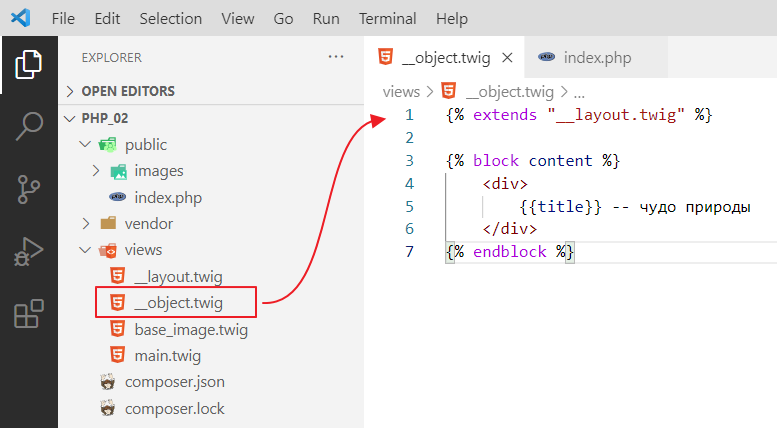
Let’s try to inherit the base_image template from __object so that we have the inscription at the top and the image as well. Let’s try this first:
{% extends "__object.twig" %}

{% block content %}
<img src="{{ image }}" style="width: 300px;"/>
{% endblock %}
Let’s see:
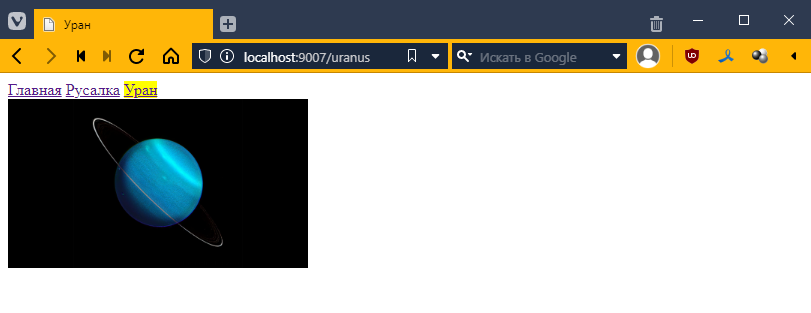
Hmm, for some reason nothing has changed…
What’s the problem?
The problem is that our base_image template overrides the contents of the {% block content %}{% endblock %} block, and because of this, the phrase that is present in the __object template is lost.
Therefore, when you do two-level inheritance, you need to define a new block inside the content block with a different name inside the new template, in our case __object. Like this:
{% extends "__layout.twig" %}

{% block content %}
    <div>
        {{title}} -- a wonder of nature
    </div>

    {% block objectContent %}
    {% endblock %}
{% endblock %}
You can use anything you want as the name objectContent. I decided to name it that, but you can choose something else. But the point is that now in base_image.twig you must override the content not with {% block content %}{% endblock %} but with {% block objectContent %}{% endblock %}, as follows
{% extends "__object.twig" %}

{% block objectContent %}<!-- changed content to objectContent here -->
<img src="{{ image }}" style="width: 300px;"/>
{% endblock %}
Let’s see:
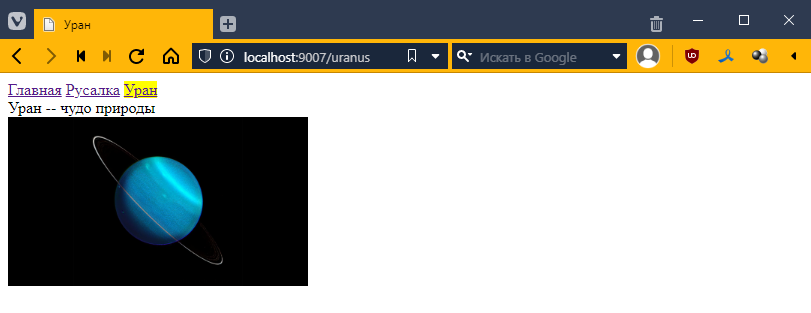
That’s what we need)
It is clear that in this example, such a hierarchy is redundant. But if you have a set of menu items for Uranus, this is exactly what you need.
What should happen
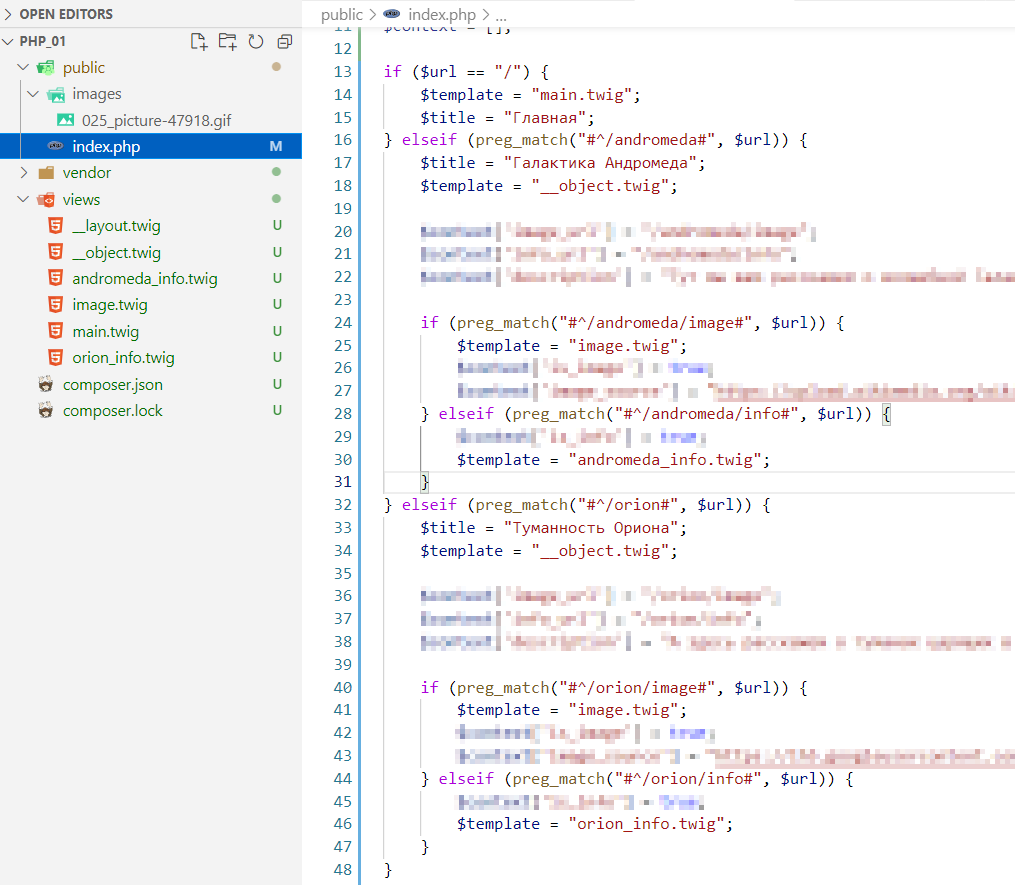
Now we can return to the main project. The question immediately arises of how to connect everything and how to write the code. It should look something like this:
Task
Rewrite the website from task 2 using Twig
- There must be at least two basic template templates, with a total of about 6 templates
- general template
- for the main page (inherits from the general template),
- for the object page (inherits from the general template),
- for the page with the object image (inherits from the object template)
- and for the page with information about the first instance of the object (inherits from the object template)
- and for the page with information about the second instance of the object (inherits the object template)
- Use a loop to display menu items on the main page
- [optional] Use a loop to display items in the navigation